

Portabase Dashboard
Getting Started
Choose which component of Portabase you want to set up first.
Portabase is composed of three main parts. To get started, we recommend installing the Dashboard first, then your first Agent.
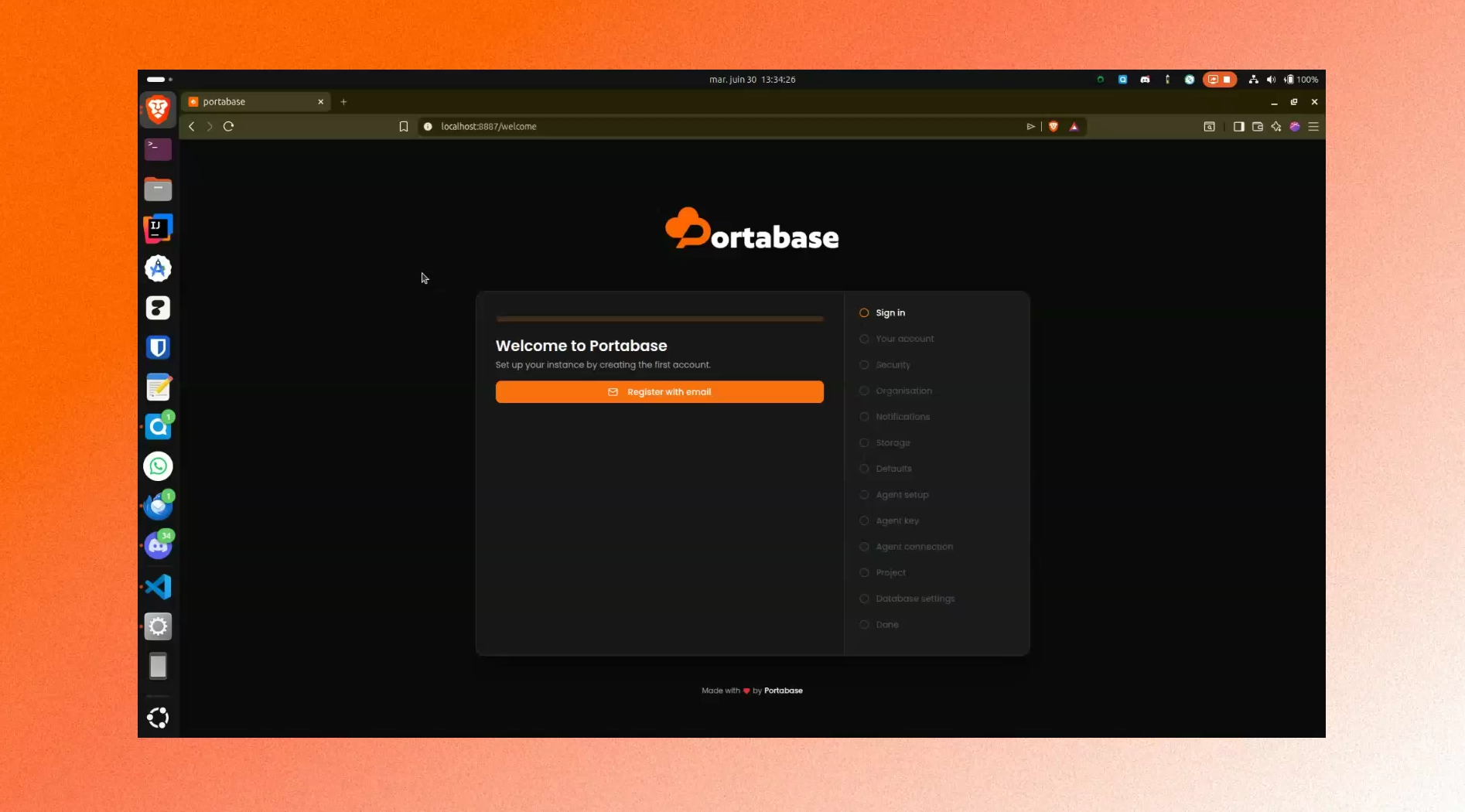
Install the Dashboard
Set up the central management interface to manage all your backups and agents.
Install an Agent
Deploy a lightweight agent on your database servers to handle backup tasks.
CLI Reference
Learn how to use the Portabase CLI to automate installation and management.
Your first backup
- Install the Dashboard and sign in.
- Create an agent in Organisation > Settings > Agents and copy its Edge Key - see Managing Agents.
- Install the Agent next to your databases with this Edge Key.
- On the agent page, click Add database - see Adding a Database.
- Add the database to a project, then set its backup schedule and storage policy - see Setting Up Policies.
Quick start (CLI)
If you already have the requirements, you can install the CLI directly:
curl -sL https://portabase.io/install | bashLast updated on