

X (Twitter)
Configure authentication via X (formerly Twitter) in Portabase.
Integration with X (Twitter) allows users to sign in via their social account.
Check the OAuth2 configuration to understand global variables and role management.
Configuration Steps
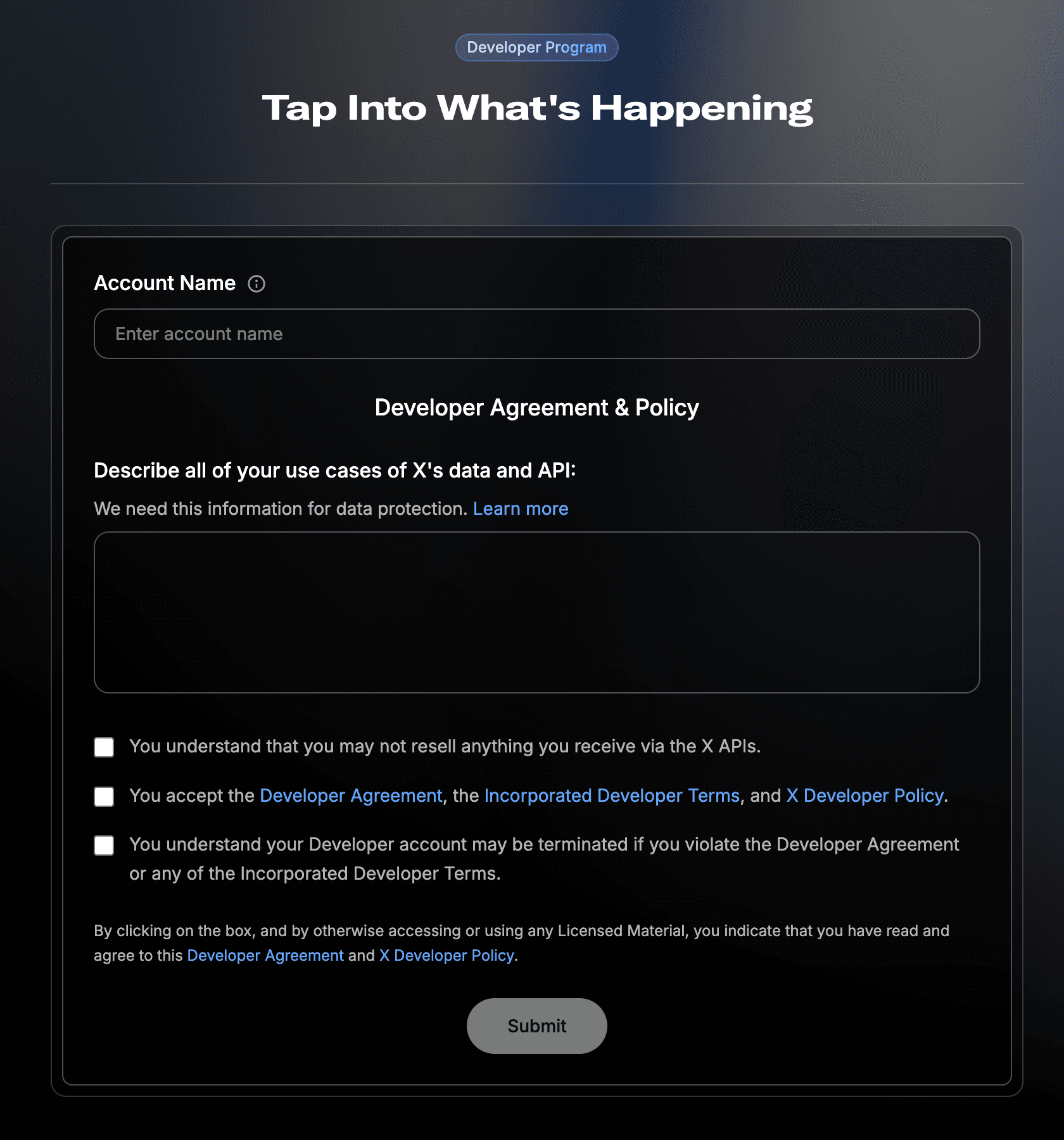
OAuth 2.0 Settings
In User authentication settings, enable OAuth 2.0 and choose the type Web App, Automated App or Bot.
URLs and Scopes
- Callback URL:
https://portabase.your-domain.com/api/auth/callback/x - Scopes: Select at least
users.readandtweet.read.
Credentials
Save to get your Client ID and Client Secret.
Environment Variables
You can use the X or TWITTER prefix depending on your preference (ensure the callback URL matches the lowercase version of the prefix).
AUTH_SOCIAL_X_CLIENT="your-x-client-id"
AUTH_SOCIAL_X_SECRET="your-x-client-secret"
Restart the Dashboard
After updating your .env file, restart the instance:
portabase restart .docker-compose down && docker-compose up -dLast updated on