

GitHub
Configure authentication via GitHub in Portabase.
GitHub integration allows developers and organization members to sign in easily.
Check the OAuth2 configuration to understand global variables and role management.
Configuration Steps
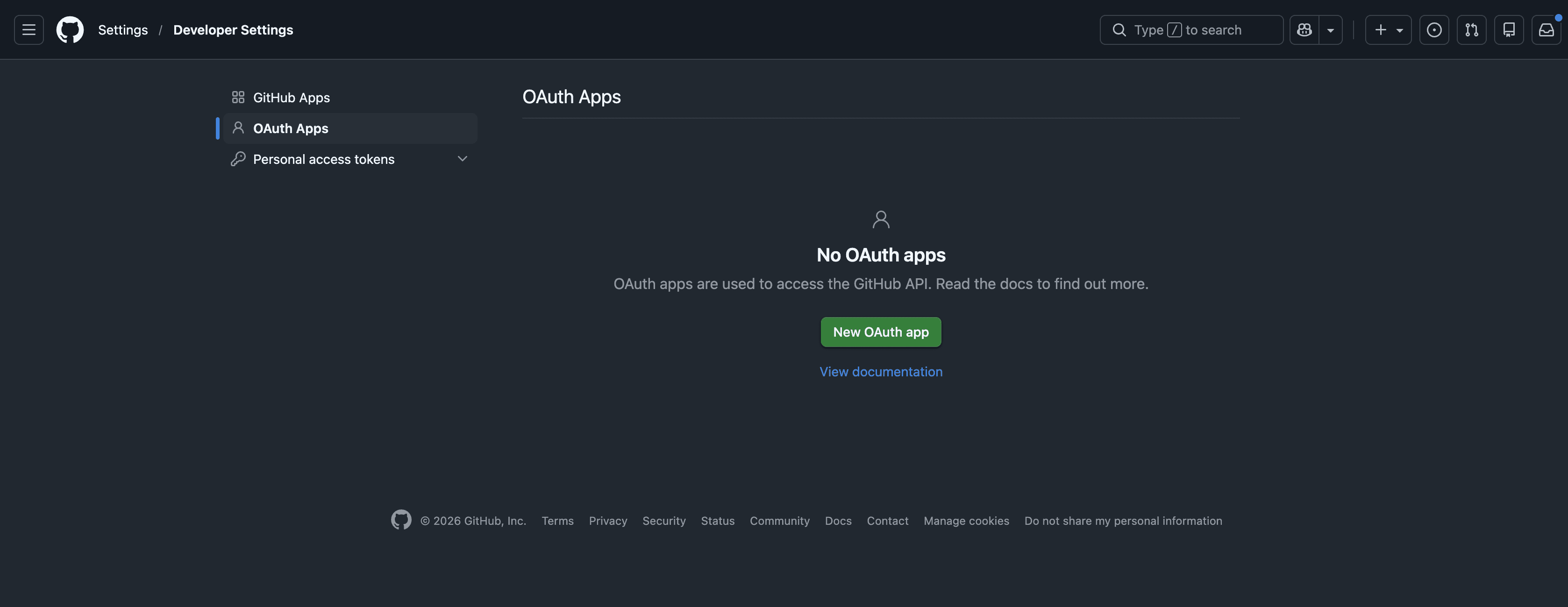
Register an Application
Click New OAuth App:
-
Application name: Portabase.
-
Homepage URL: Your domain (e.g.,
https://portabase.your-domain.com). -
Authorization callback URL:
https://portabase.your-domain.com/api/auth/callback/github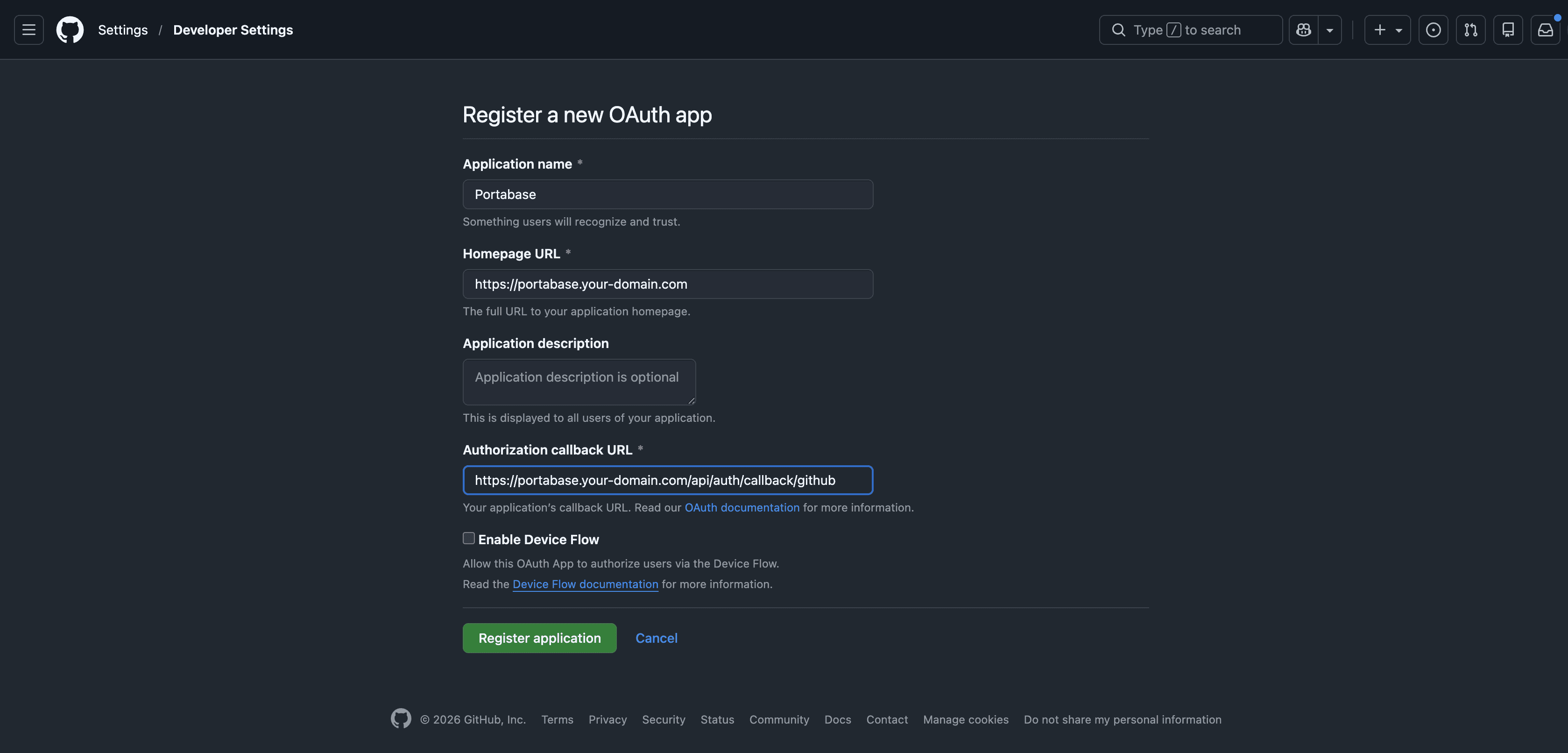
Generate Keys
Click Register application. Copy the Client ID, then generate a Client Secret and store it securely.
Environment Variables
Use the GITHUB prefix for your variables:
AUTH_SOCIAL_GITHUB_CLIENT="your-github-client-id"
AUTH_SOCIAL_GITHUB_SECRET="your-github-client-secret"
Restart the Dashboard
After updating your .env file, restart the instance:
portabase restart .docker-compose down && docker-compose up -dLast updated on